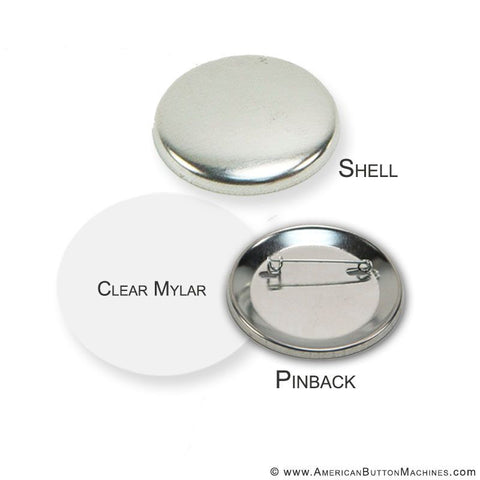
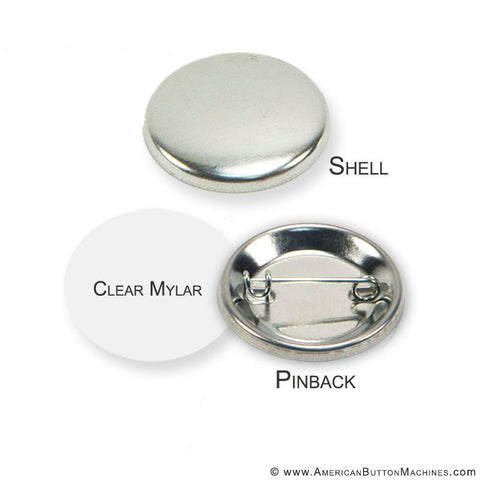
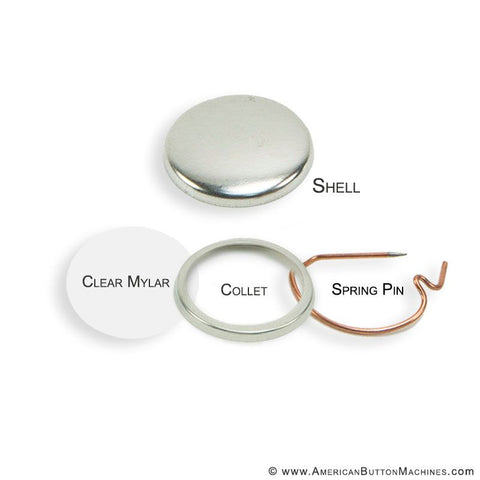
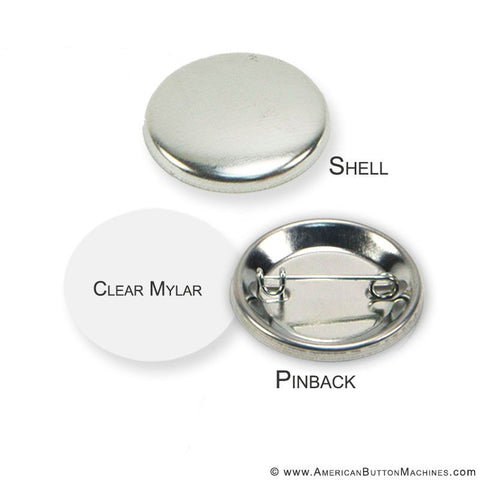
The 2.25" Graphic Punch (Model 2625) is a button graphic punch, built to cut printer-paper artwork for American Button Machines' 2.25" round buttons, our most popular size. It cuts a 2.625" circle, not a 2.25" circle, so the extra paper wraps around the edge of the front shell and locks under the mylar when the button is pressed.
The punch is all-metal, self-sharpening, made in the USA, and covered by our lifetime warranty against defects. With no exposed blade, it is the safer cutting choice for classrooms, libraries, and youth programs.
Why the Cut Is 2.625", Not 2.25"
This is a button graphic punch, not a general 2.25" craft punch. A button graphic has to be cut larger than the finished button so the paper can wrap around the curved front shell. That is why this punch cuts a 2.625" circle for a 2.25" finished button, the same diameter as our 2.25" mylar.
A craft-store punch that cuts an exact 2.25" circle will leave the graphic too small to wrap the shell, and the edge of the artwork will show a gap or slip out from under the mylar. For 2.25" buttons, use a punch or cutter sized for button making.
2.25" Graphic Punch Specifications
| Cut Size | 2.625" diameter round |
|---|---|
| Finished Button Size | 2.25" round |
| Model | 2625 |
| Designed For | American Button Machines 2.25" button makers and ABM 2.25" button supplies |
| Paper | Standard printer paper (24 lb bond recommended). For photo paper, use the 2.25" Photo Punch (Model 2225). |
| Not For Use With | Badge-a-Minit 2.25" machines; photo paper, card stock, or anything thicker than standard printer paper |
| Cutting Method | Entire circumference punched at once, one graphic per press |
| Centering | Large center opening for a clear view of the artwork while lining up the cut |
| Operation | Requires very little physical force |
| Construction | All-metal, no plastic parts; self-sharpening |
| Classroom Use | No exposed blade; safe for school use |
| Optional Add-On | Ejector Rod for the Model 2625 punch |
| Warranty | Lifetime warranty against defects; eligible for the Ultimate Extended Warranty at checkout |
| SKU | 2625 |
| Manufactured | Made in USA |
| Best For | Schools, libraries, PTOs, political campaigns, event planners, churches, nonprofits, and button sellers |
Features
- No special paper required. Print on regular printer paper and cut the sheet into strips.
- All-metal construction. There are no plastic parts to crack or break.
- Full-circle cut in one press. The entire circumference is punched at once for speed and a consistent, accurate edge.
- Easy centering. The large center opening gives a clear view of the artwork so each graphic is cut where you want it.
- Very little force needed. A press of the handle cuts the full circle.
- Self-sharpening. The punch maintains its edge through normal use.
- Lifetime warranty. Covered against defects for as long as you own it.
Graphic Punch or Photo Punch?
At 2.25", American Button Machines offers two punches. This Graphic Punch cuts printer paper to 2.625" so it wraps around the shell. The 2.25" Photo Punch (Model 2225) cuts a smaller 2.225" circle for heavier photo paper, so the photo sits on the face of the button and the mylar holds it in place. Photo buttons at this size also need a machine set up for photo paper, so please contact us before ordering. See Photo Punch vs. Graphic Punch for side-by-side pictures.
Who Uses the 2.25" Graphic Punch
Schools, Libraries & PTOs
With no exposed blade, the punch is a safe choice for classrooms, art rooms, and library makerspaces. Students and volunteers can cut graphics for spirit buttons, reading-program rewards, and student awards without handling a loose blade.
Political Campaigns
2.25" is the button size most people picture when they think of a campaign button. The punch keeps up with a printed sheet of candidate graphics strip by strip, giving every button the same clean edge.
Event Planners & Fundraisers
Name buttons, reunion keepsakes, walk-a-thon buttons, and fundraiser giveaways all start with a cleanly cut graphic. The punch makes it practical to cut a full run on site.
Churches, Nonprofits & Community Programs
Vacation Bible School, volunteer appreciation, donor recognition, and rec-league banquets all benefit from a cutter that volunteers of any experience level can operate.
Artists & Button Sellers
Artists who sell buttons at craft fairs and conventions need every graphic cut the same way. A punch gives a consistent edge across hundreds of buttons.
How to Use the Punch
Print your graphics, cut the sheet into strips, and follow these steps. Our Punch Cutter Tutorial and How to Make a Button guide cover the full process from printing to pressing.
- Insert the strip. Slide the paper strip into the punch and center the graphic in the opening.
- Press the handle. Push the handle straight down until the punch goes all the way through the paper.
- Remove the circle. Take out the cut graphic and set it aside. The optional Ejector Rod pushes cut graphics out of the punch.
- Repeat. Pull the strip through to the next graphic, center it, and press again.
Warranty & Guarantees
This punch includes our lifetime warranty against defects and qualifies for the Ultimate Extended Button Machine & Punch Cutter Warranty, which is offered during checkout. See all American Button Machines guarantees.
Compatible Machines & Related Supplies
The 2.25" Graphic Punch is sized for American Button Machines 2.25" button makers and ABM 2.25" supplies. It is not sized for Badge-a-Minit 2.25" machines; Badge-a-Minit owners should use our dedicated Badge-a-Minit 2.25" punch. The punch is also available as the "Punch Cutter" option in our 2.25" Button Maker Kit.
Frequently Asked Questions
Does this punch cut an exact 2.25" circle?
No. It cuts a 2.625" circle. Button graphics are cut larger than the finished button so the paper wraps around the edge of the front shell and is held in place by the mylar. A 2.625" cut is the correct size for a 2.25" button.
Can I use a regular 2.25" craft punch instead?
No. Craft-store punches cut to the size of the button, which leaves the graphic too small to wrap the shell. For 2.25" buttons, use a punch or cutter made for button making, such as this one.
Can I cut photo paper with this punch?
No. This punch is made for standard printer paper. For 2.25" photo buttons, use the 2.25" Photo Punch (Model 2225), which cuts a 2.225" circle so the photo sits on the face of the button. Photo buttons at this size also need a machine set up for photo paper, so please contact us before ordering.
What paper should I use?
Standard 24 lb bond or regular inkjet printer paper works best. The punch cuts one graphic at a time; avoid card stock or anything thicker than standard printer paper.
Will it work with my Badge-a-Minit 2.25" machine?
No. This punch is sized for American Button Machines 2.25" machines and supplies. For Badge-a-Minit 2.25" machines, use our 2.25" Punch for Badge-a-Minit Button Machines.
What does the Ejector Rod do?
The Ejector Rod is an optional add-on made only for this Model 2625 punch. It pushes cut graphics out of the punch. It does not fit the 2.25" Photo Punch (Model 2225).
Is the punch safe for students to use?
Yes. The punch has no exposed blade, which makes it the safer choice for classrooms, libraries, and youth programs.
What should I do if the punch jams?
Run a playing card through the punch from front to back to push the trapped paper out, and keep the cutter clean of paper dust. A small amount of grease on the handle is normal and helps it move freely.

We Also Recommend