3 Inch Photo Button Maker — Model 300 Button Making Machine
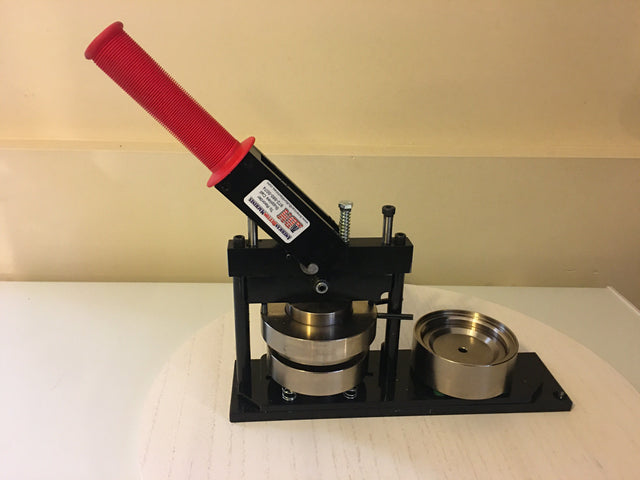
The Model 300 makes 3 inch buttons — large enough for a photograph to carry across a room, and the only 3" button machine that produces buttons from regular printer paper or heavier photo-lab stock on the same press.
That dual capability is the reason to choose it. Most presses are calibrated for a single paper weight. The Model 300 accepts both without swapping dies or adjusting anything, so a photographer running photo prints and a school running copier paper can share one machine.
What 3 Inch Buttons Are Good For
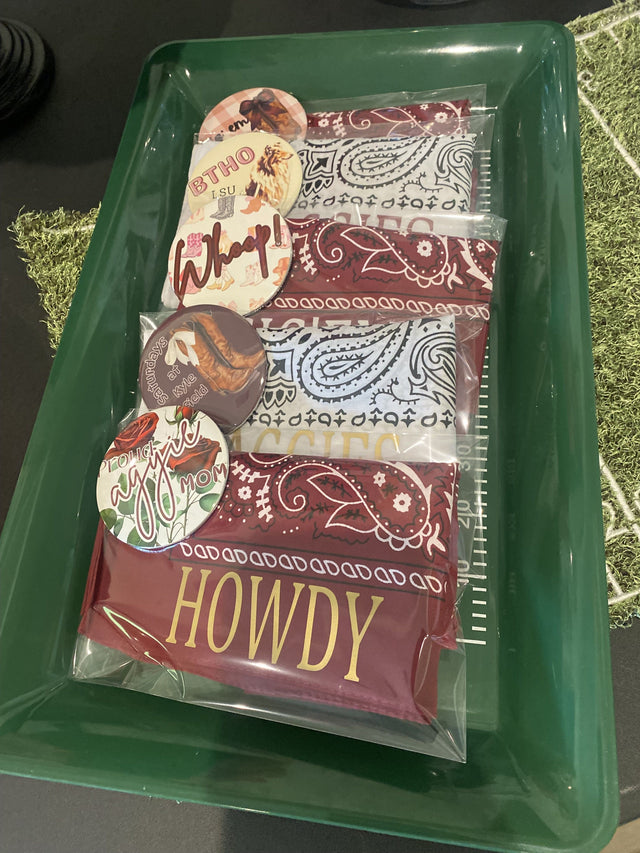
- Photo buttons — school portraits, team photos, and memorial keepsakes
- Sports buttons, where a photo plus a name and number all have to fit
- Button magnets, including large refrigerator magnets
- Mirror-back buttons for favors and giveaways
- Campaigns and advocacy, where visibility from a distance matters
- Schools, churches, and nonprofits running recognition or fundraising programs
Shop 3 Inch Button Makers
The Model 300 is sold as the machine on its own, as a complete kit, or as one of two purpose-built kits that bundle the machine with designs geared to a specific use.
How to Make a 3 Inch Button
The two-step process is the same on every ABM machine. If you have never used one, the video below walks through a full cycle.
- Cut your graphic. Use a 3" Graphic/Photo Punch for either paper weight, a 3" Round Cutting Die with the die-cutting press, or an Adjustable Circle Cutter if you run several button sizes.
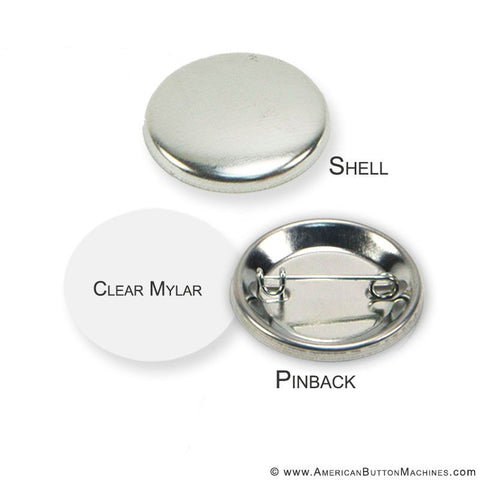
- Load the shell and mylar. Place the front shell face down in the first die, lay your graphic on top, and cover it with a mylar disc.
- Press once. Pull the handle down to seat the shell.
- Swivel and press again. Rotate the die set, add the back, and press a second time to crimp the finished button. No die changes are required between steps.
More walkthroughs are available in the Video Library.
Pro Tips for the Model 300
- One press, two paper weights. Nothing changes between a copier-paper run and a photo-lab-print run. That matters when one machine serves several departments or gets loaned between classrooms.
- Large buttons magnify artwork problems. A low-resolution image that passes at 1.25" will look soft at 3". Work from the original file rather than a web download or a screenshot.
- Cut in batches for large runs. The High Volume Die-Cutting Press paired with the 3" round cutting die cuts a stack of graphics at once instead of one at a time — the difference between a team-photo run taking an afternoon or a week.
3 Inch Button Machine Products and Supplies
Below is what a 3" button maker can produce. Each supply set works with the Model 300 as-is — no adapters or die changes beyond the standard two-step cycle.
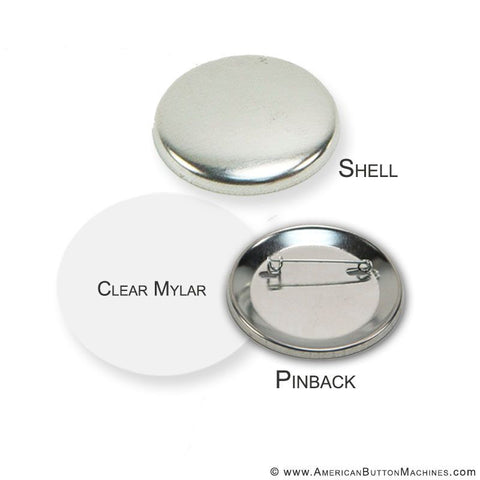
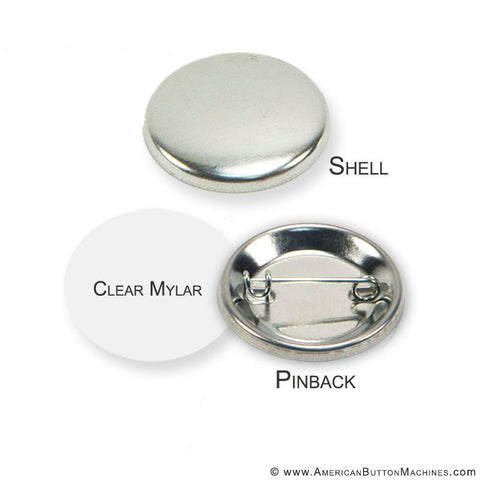
| Pinback Buttons | 3" Pinback Button Set — includes mylar, front shells, and locking spring pins. |
|---|---|
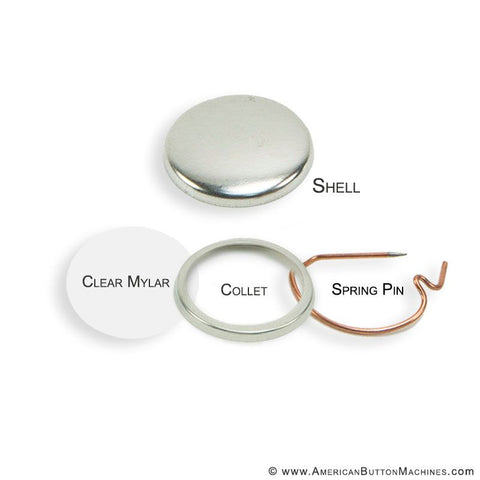
| Magnet Sets | 3" Self-Adhesive Magnet Set — includes mylar, front shells, collets, and a self-adhesive magnet. |
| Mirror Sets | 3" Mirror Back Buttons — pocket mirrors, cosmetic mirrors, and party or shower favors. |
| Ceramic Magnets | Ceramic Magnet — strong ceramic magnets that work with 3" pinback buttons. |
| Bulldog Clips | Adhesive Backed Bulldog Clips — wear a button without piercing clothing. |
| Mag Tags | MagTag-Triple Play — another no-pierce option for uniforms and delicate fabrics. |
| Accent Rings | 3" Accent Rings — Five Color Pack — frame a photo or paper button with a band of color. |
| Flashing Buttons | 3" Red Flashing Button Kit — adds a blinking LED behind the button face. |
| Button Easels | Button Easels — cardboard easels for displaying a finished button on a desk or shelf. |
| Cutting Dies | 3" Round Cutting Die — for use with the high volume die-cutting press. |
Cutters, Software, and Designs
Frequently Asked Questions
Can the Model 300 use both printer paper and photo paper?
Yes, and that is the reason to choose it. It is the only 3" button maker that produces buttons from regular printer paper or from heavier photo-lab stock without any change to the machine. You do not swap dies or adjust settings between the two.
What is the difference between 3 inch and 3.5 inch?
Half an inch of diameter and one capability: 3.5" makes coasters and 3" does not. Otherwise the two sizes overlap closely. If coasters are not part of your plan, 3" costs less per button and covers the same photo work.
What resolution artwork do I need at this size?
Higher than you would need for a small button. A 3" face magnifies compression artifacts and low-resolution scans that go unnoticed at 1.25". Work from the original file rather than a web download or a screenshot wherever you can.
What is the difference between the standard kit and the School or Campaign kits?
All three include a Model 300 and a cutter. The School and Campaign kits add designs geared to those uses. If you want to choose your own configuration instead, start from the standard 3" Photo Button Maker Kit.
Do I need the die-cutting press?
Only for volume. A graphic/photo punch cuts one graphic at a time and is fine for runs in the dozens. The die-cutting press paired with the 3" round cutting die cuts a stack at once, which is what makes a several-hundred-piece run practical in an afternoon.
Is 3 inch the right size for my project?
Choose it when the image is the point — photographs, faces, or anything that has to read from across a room. For general-purpose work at lower cost per piece, 2.25" is the more common choice. The button size guide compares what each size can make.